
Personalized stories for kids
Create a story for your child, read in your own voice
Record your voice, make up a bedtime story about anything your child loves, and listen together in one or two languages. Then share it with grandparents and family.
Your first story is free. No credit card needed.


See it in action
Bedtime, even from far away
Watch a family record their voices and send a story to a grandchild, in under 30 seconds.
How it works
How to make a personalized story in 4 steps
- Step 1
Record your voice
Read a short passage aloud on your phone or computer. It takes about 30 seconds, and LumiStory learns how you sound, so stories can be read in your voice even on nights you can't be there. Grandparents can record theirs too.
How voice recording works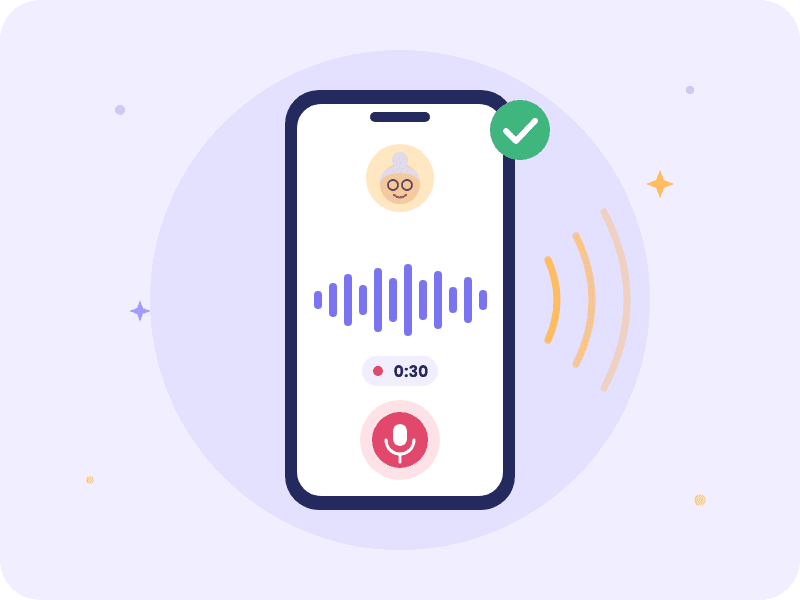
- Step 2
Create a custom story for your child
Choose your child's age, a topic they love, the mood and the length. Add their name to make them the hero, plus any ideas of your own. LumiStory writes the story, and you read it before anything is recorded.
Start creating - Step 3
Listen in your voice, in two languages
Hear the story in one language, or add a second so each line is read twice and the words light up as they're spoken. Bilingual bedtime stories are an easy way for children to pick up a new language.
Hear a sample - Step 4
Share it with family
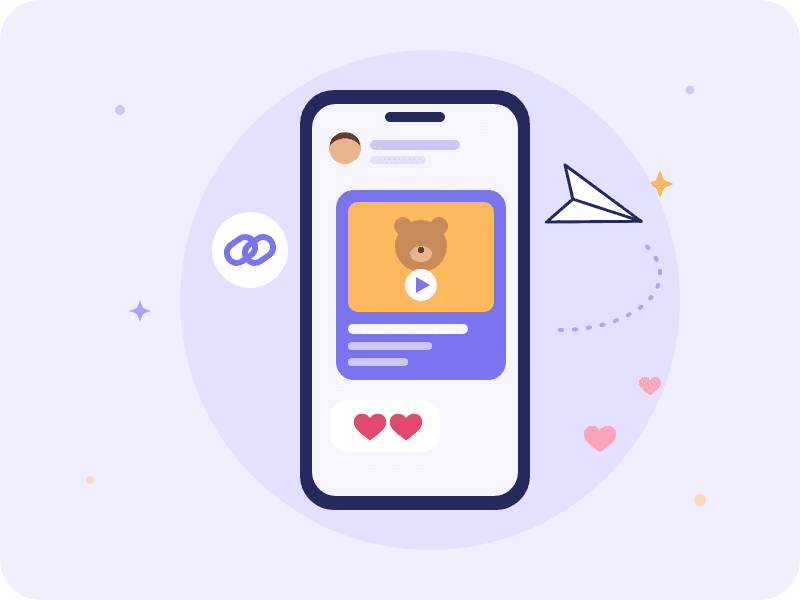
Send grandparents, aunts and uncles a link to watch the story as a video with captions. They don't need an account or an app, and you can download the video to keep.
Hear a story in two languages
Two languages, one story
Bilingual stories in 11 languages
Pair your family's language with the one your child is learning, or listen in just one. Your recorded voice can read in 10 of these languages, including ones you don't speak.
- English
- Español
- Português (Brasil)
- 한국어
- 日本語
- 廣東話
- 普通话
- Deutsch
- Français
- Italiano
- हिन्दी
Or start with a ready-made story
Browse all stories


Questions parents ask
Can I make a story about my own child?
Yes. Add your child's name and they become the hero. Pick a topic they care about, from dinosaurs to a new baby sibling or the first day of school, or type in your own idea, and LumiStory writes a story that suits their age.
Is the first story free?
Yes. Every account can create one story for free, in one language, with no credit card. Plans include more stories every month, and reading stories in your own voice is part of the Advanced plan.
How long does it take to record my voice?
About 30 seconds of reading aloud. You can record again at any time, and other family members can record their own voices for the same stories.
Which languages are supported?
Stories can be created and played in 11 languages: English, Spanish, Portuguese, Korean, Japanese, Cantonese, Chinese, German, French, Italian, and Hindi. Your recorded voice can read in 10 of them.
Are the stories safe for children?
Every idea and every draft is checked for anything that isn't right for children, and you read the whole story before it's recorded. Stories you create are private to your account unless you share a link.
Who can use my recorded voice?
Only your account. Your voice is never shared, sold or used for ads, and deleting it removes the recording and everything made from it.
How does sharing work?
Open your story and choose Share. You get a link to a video of the story that plays in any web browser for 7 days. You can send a new link at any time, stop sharing sooner, or download the video to keep.
Do I need to download an app?
No. LumiStory works in the web browser on any phone, tablet or computer.
Make tonight's story together
Create your storyYour first story is free. No credit card needed.